
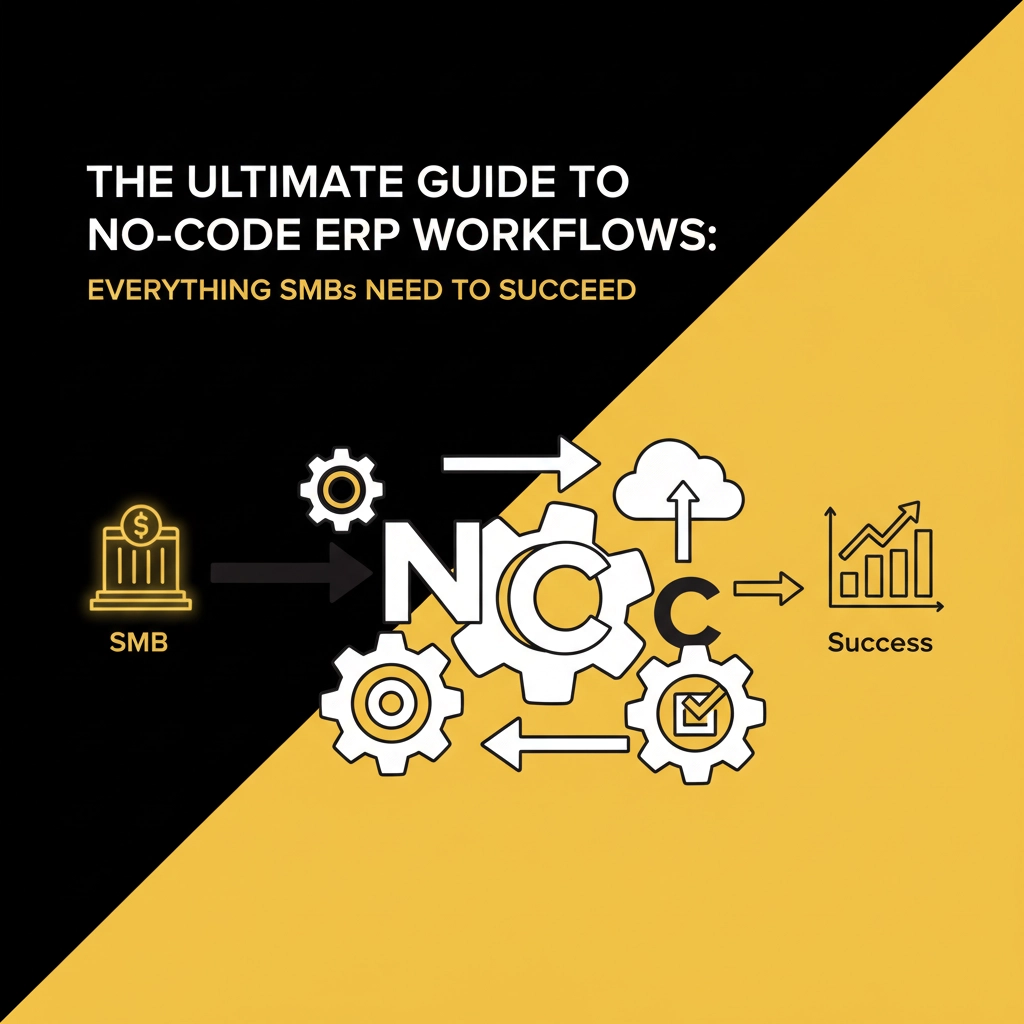


Running a small or medium business used to mean choosing between expensive, complex enterprise software or juggling dozens of disconnected tools. But here's the game-changer: no-code ERP workflows are revolutionizing how SMBs operate, and Odoo 19 is leading the charge.
If you've been putting off automating your business processes because you thought you needed a team of developers, think again. Today's no-code ERP solutions let you build sophisticated workflows with simple drag-and-drop interfaces – no programming required.
Think of no-code ERP workflows as your business automation toolkit that speaks plain English. Instead of writing complex code, you're essentially telling your system: "When this happens, do that automatically." It's like having a super-smart assistant that never forgets, never takes breaks, and handles your repetitive tasks flawlessly.
For SMBs, this means you can finally compete with the big players without their massive IT budgets. You get enterprise-level automation that grows with your business, adapts to your unique processes, and – here's the best part – you can modify it yourself whenever things change.

Odoo 19 has completely transformed the no-code landscape for small businesses. Unlike other ERP systems that require expensive consultants for every change, Odoo 19's Studio app lets you create custom workflows using visual builders that feel more like playing with building blocks than managing software.
Here's what makes Odoo 19 stand out:
The beauty is in its flexibility. Whether you're running a retail store, restaurant, or service business, Odoo 19 adapts to your workflow – not the other way around.
Let's get specific about what you can actually build. These aren't theoretical examples – they're workflows SMBs are using right now to save time and reduce errors.
Create a workflow that triggers when someone fills out your contact form. It automatically:
Set up workflows that monitor your stock levels and automatically:
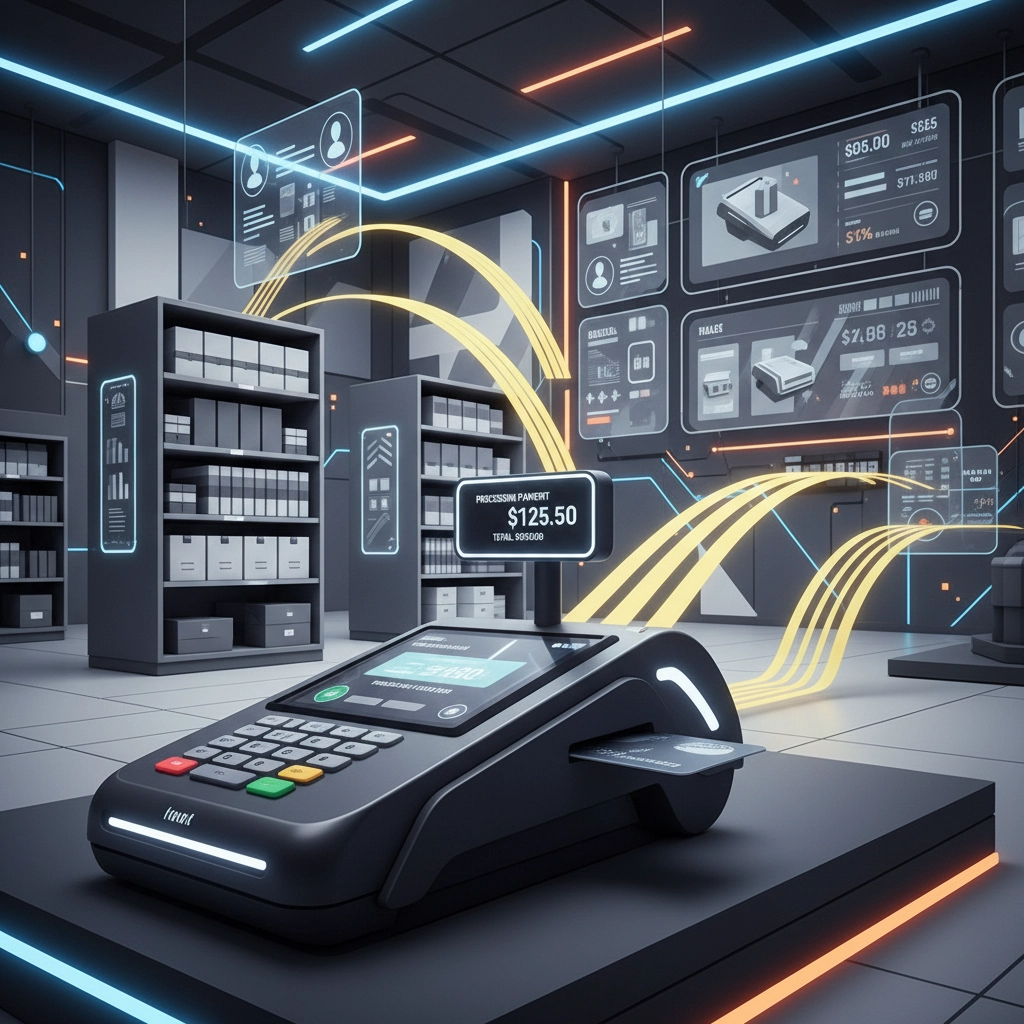
Build an end-to-end order workflow that:
Create workflows that handle your accounting tasks:
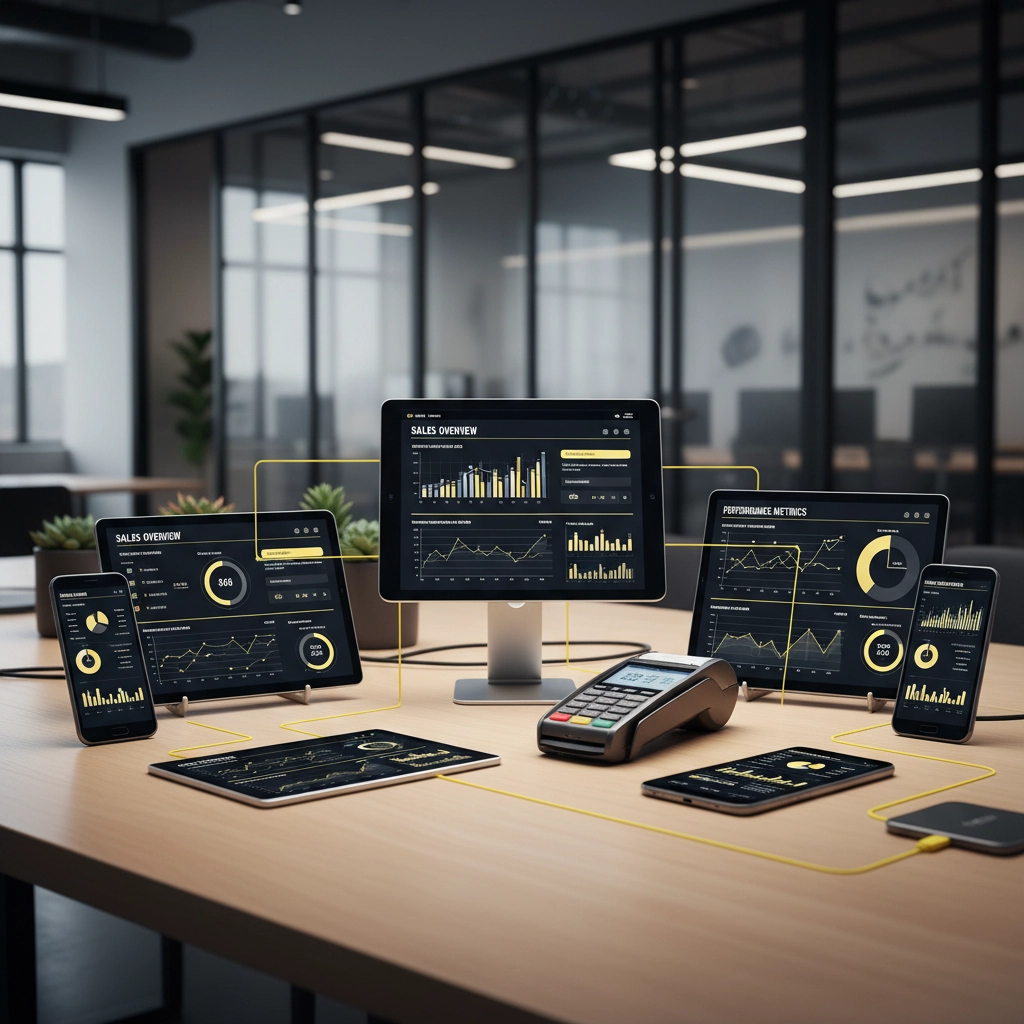
Here's where things get really exciting. While Odoo 19 handles your back-office automation, BK Touch hardware creates the perfect bridge between your physical and digital operations.
Our POS systems and self-checkout kiosks don't just process transactions – they become data collection points that trigger your automated workflows. When a customer makes a purchase on our A8 POS system, it can automatically:
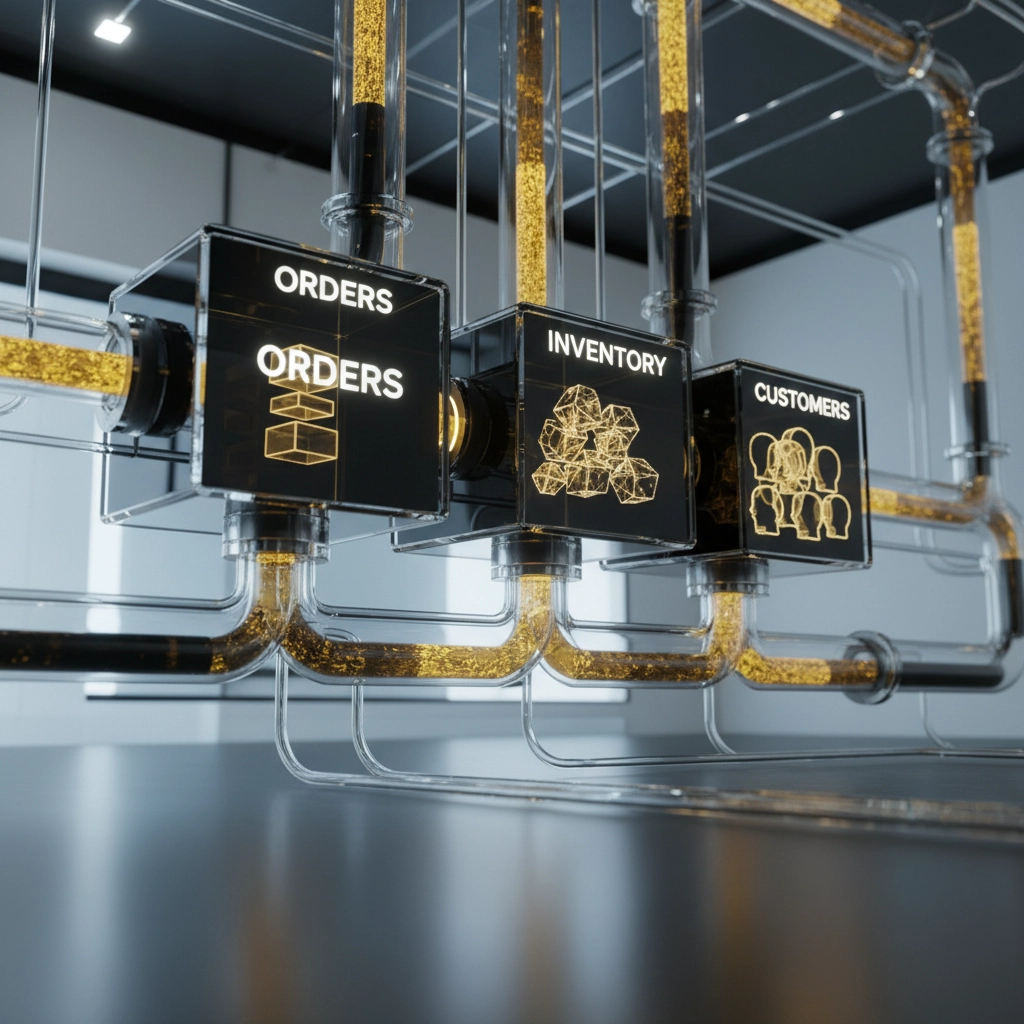
The integration is seamless because we've designed our hardware specifically to work with modern ERP systems like Odoo. No complex APIs, no expensive middleware – just plug-and-play automation that works from day one.
Ready to build your first no-code workflow? Here's your roadmap:
Week 1: Map Your Current Processes
Start by documenting one simple process you do manually every day. Maybe it's following up with new leads or updating inventory after deliveries. Write down every step – this becomes your workflow blueprint.
Week 2: Build Your First Workflow
Use Odoo 19's Studio to recreate that process digitally. Start simple – just automate 2-3 steps. Test it thoroughly with sample data before going live.
Week 3: Connect Your Hardware
Integrate your BK Touch systems so transactions automatically trigger your workflows. This is where the magic happens – your physical sales start driving your digital processes.
Week 4: Monitor and Optimize
Watch how your workflow performs. Odoo 19 shows you exactly where processes slow down or fail, so you can fix issues before they impact customers.
SMBs using no-code ERP workflows typically see:
But the biggest benefit isn't in the numbers – it's in getting your time back. Instead of managing mundane tasks, you're focusing on growing your business, improving customer experience, and developing new opportunities.
Trying to Automate Everything at Once: Start with one workflow, perfect it, then move to the next. Attempting to automate your entire business overnight leads to complexity and errors.
Ignoring User Training: Your team needs to understand how workflows work, even if they're not building them. Invest in training to ensure adoption and identify improvement opportunities.
Forgetting About Exceptions: Every workflow needs to handle edge cases. What happens when a customer wants to return an item that's no longer in your system? Plan for exceptions from the start.
The key to successful no-code ERP implementation is thinking holistically. Your workflows shouldn't exist in isolation – they should connect your entire business ecosystem. When your BK Touch POS processes a sale, it should trigger inventory updates, customer communications, and financial workflows simultaneously.
This interconnected approach means one customer interaction can automatically:
No-code ERP workflows aren't just a trend – they're the future of how smart SMBs operate. With Odoo 19's powerful automation tools and BK Touch's seamless hardware integration, you have everything you need to build a business that runs itself.
The best part? You don't need to be a tech expert to get started. You just need to be ready to work smarter, not harder.
Ready to see how BK Touch can integrate with your Odoo workflows? Visit our website to learn more about our POS systems and self-checkout kiosks that make no-code automation a reality for your business.
Your customers deserve seamless experiences. Your team deserves efficient processes. And you deserve a business that grows without growing your workload. Let's make it happen together.


