



Let's cut to the chase: you're thinking about self-service kiosks for your business, but you want to know if they'll actually make you money. Good news: when chosen right, kiosks can pay for themselves in as little as 3-6 months. But here's the thing: not all kiosks are created equal, and picking the wrong one can leave you with an expensive paperweight.
Whether you're running a QSR, convenience store, grocery shop, or retail outlet, this guide will help you choose kiosks that actually boost your bottom line instead of just looking fancy in your lobby.
Before we dive into choosing the right kiosk, let's talk about how these machines turn into money-makers. There are two main ways kiosks pay for themselves: they bring in more revenue and cut your costs.
Revenue growth happens because kiosks are fantastic upsellers. Unlike your teenage cashier who might forget to ask if customers want fries with that, kiosks consistently suggest add-ons and upgrades. Studies show that average ticket sizes typically jump by 12% when customers use self-service kiosks instead of traditional checkout. Plus, kiosks can handle orders faster, meaning you can serve more customers during rush periods: that's a 15% boost in transaction volume for many businesses.
Cost savings come from needing fewer staff members during peak hours. You're not just saving on hourly wages: you're also cutting recruitment, training, and benefit costs. And here's a bonus: kiosks don't make mistakes the way humans do, so you'll see fewer refunds and customer complaints eating into your profits.
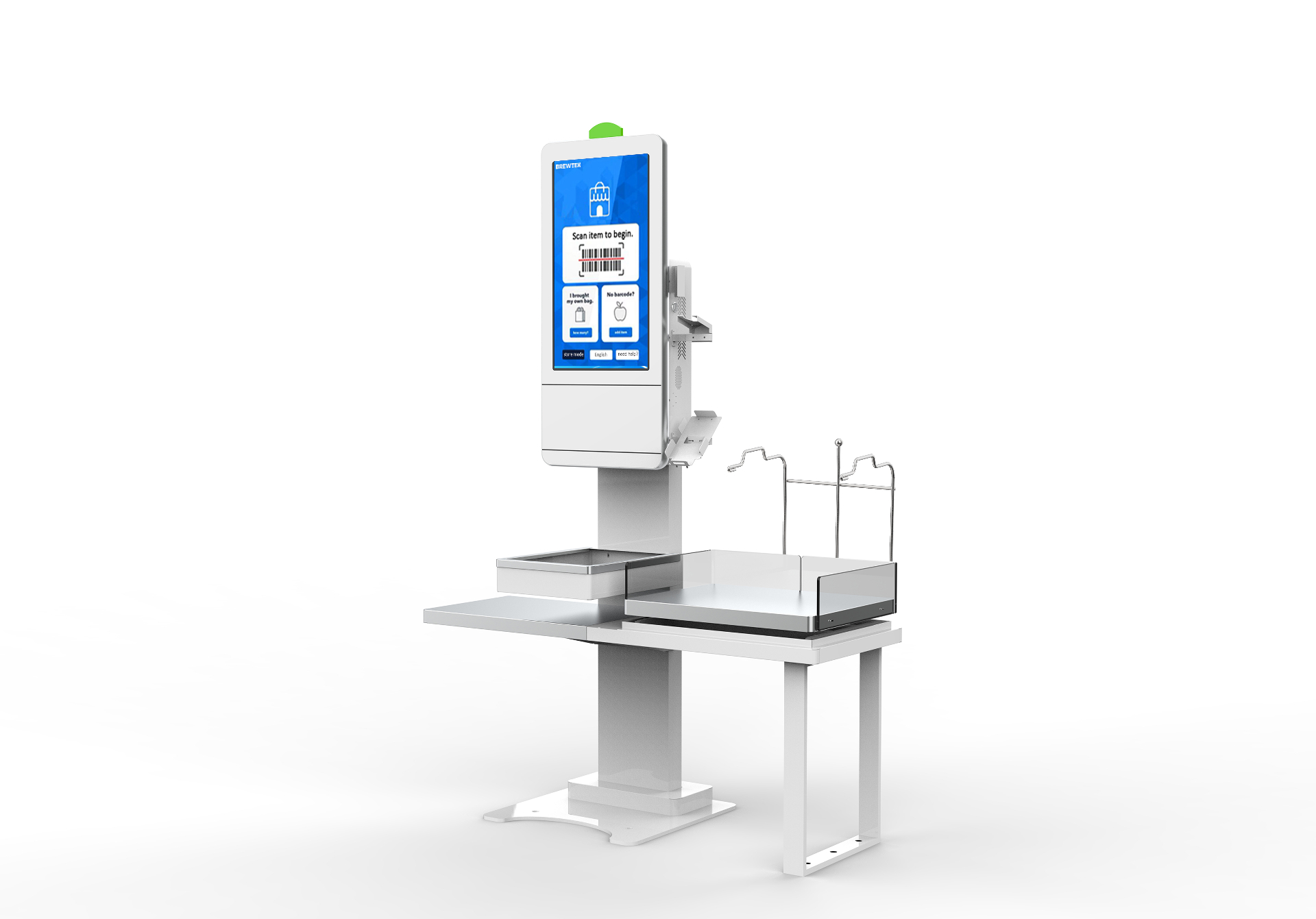
Let's get specific with some actual numbers. Imagine you run a mid-sized restaurant with 500 daily transactions and a $10 average ticket. With kiosks driving that 12% ticket increase and 15% transaction boost, you'd go from $5,000 daily revenue to $6,440: that's an extra $1,440 per day, or $525,600 annually.
Even if your kiosk setup costs $75,000 (including hardware, software, and installation), you're looking at payback in about 4 months. After that? Pure profit boost.
Of course, your mileage may vary depending on your business type and customer volume, but these numbers aren't outliers: they're pretty typical for well-implemented kiosk systems in high-traffic environments.
Not all kiosks deliver the same returns. Here are the factors that separate money-makers from money-wasters:
Labor cost reduction potential is huge. Look at your current staffing during peak hours and ask yourself: how many staff hours could you realistically reduce with self-service? In convenience stores and QSR operations, this is often the biggest ROI driver.
Upselling effectiveness varies by business type. If your customers frequently skip add-ons at checkout because they feel rushed or don't want to seem indecisive, kiosks can be game-changers. They give customers time to browse options without feeling pressured.
Transaction speed improvements matter most in high-volume environments. If you've got long lines during lunch rush or checkout bottlenecks on weekends, kiosks can dramatically improve throughput.
Order accuracy becomes more important as your average ticket size increases. A 2% error rate might not matter much for $5 transactions, but it hurts when you're dealing with $25+ orders.
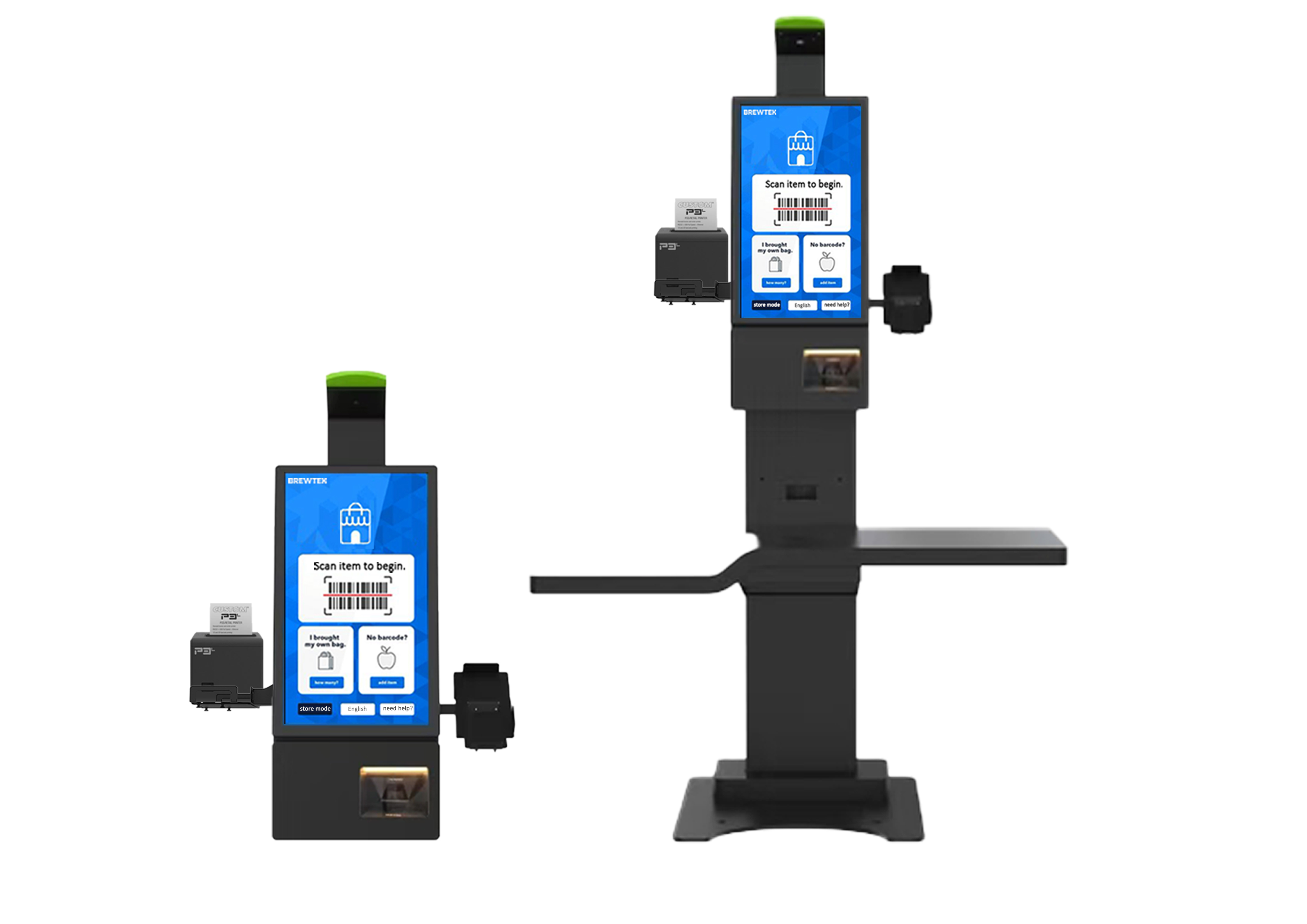
Here's a simple formula to predict your payback timeline:
ROI = (Net Profit from Kiosk - Initial Investment) ÷ Initial Investment × 100
To calculate this for your business:
Add up total investment costs: This includes hardware, software licensing, installation, staff training, and ongoing maintenance. Don't forget those monthly service fees: they add up.
Estimate additional revenue: Be conservative here. Look at your current average ticket and transaction volume, then apply realistic increases based on your business type. QSR and convenience stores typically see bigger jumps than grocery or retail.
Calculate labor savings: Multiply your average hourly wage (including benefits) by the number of staff hours you could realistically reduce annually.
Factor in cost reductions: Consider savings from fewer order errors, reduced training costs, and lower turnover.
Run the numbers: Subtract your total annual costs from your combined revenue gains and savings, then apply the ROI formula.
When evaluating kiosk costs, think beyond the sticker price. Initial expenses include hardware, software, installation, and training, but ongoing costs can make or break your ROI.
Maintenance and support contracts typically run 15-20% of your initial hardware cost annually. Software licensing might be monthly or annual. And don't forget about payment processing fees: some kiosk systems have higher transaction costs than traditional POS systems.
Here's a pro tip: tablet-based kiosks often deliver comparable results to larger PC-based systems but with significantly lower upfront costs. This can dramatically improve your payback timeline, especially for smaller merchants.
Kiosks are money-makers in high-traffic environments where transaction volume supports faster payback. Think busy convenience stores, popular QSR locations, grocery stores with consistent foot traffic, and retail shops with peak-hour bottlenecks.
They're also perfect for businesses with significant upselling potential: places where add-ons and upgrades can meaningfully increase ticket sizes. Coffee shops with pastry displays, burger joints with combo options, and convenience stores with impulse purchases all fit this profile.
On the flip side, kiosks might not pay for themselves in very low-volume locations, businesses where personal service is a key differentiator, or operations with extremely complex ordering processes that customers struggle to navigate independently.
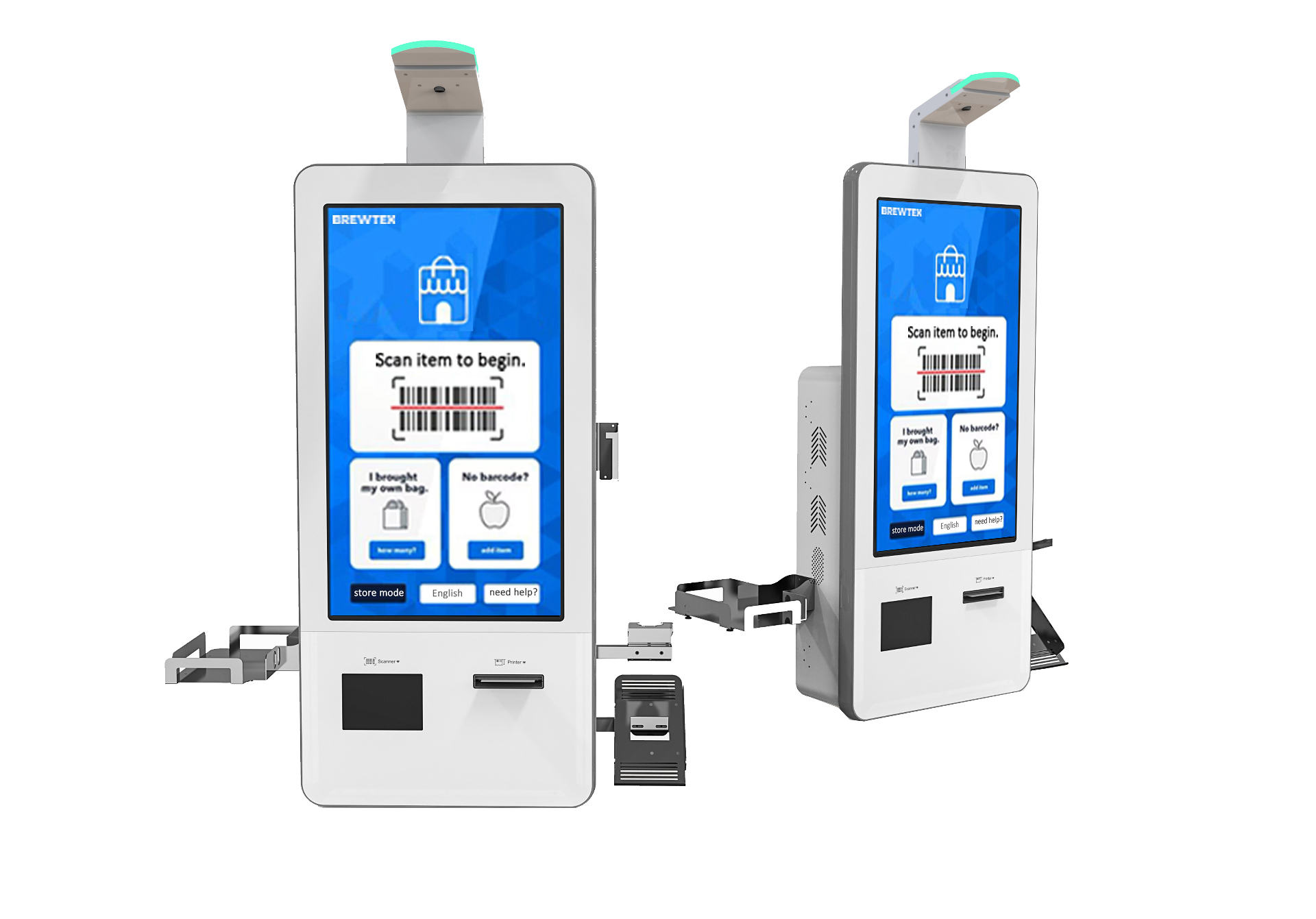
Here's something many business owners overlook: not all kiosk software works with all hardware, and compatibility issues can kill your ROI. You want systems that integrate seamlessly with your existing POS, payment processors, and inventory management.
This is where working with experienced hardware manufacturers like BK Touch makes a difference. Our kiosk hardware is designed for compatibility across multiple software platforms, so you're not locked into a single vendor's ecosystem. Whether you're running Square, Toast, or custom POS software, our systems integrate smoothly without costly workarounds.
Plus, our hardware is built for high-traffic retail and restaurant environments: no flimsy consumer tablets that'll break after six months of heavy use.
Choosing a kiosk that pays for itself comes down to matching your specific business needs with the right technology. Start by honestly assessing your current pain points: Are long lines driving customers away? Do you struggle with consistent upselling? Are labor costs eating into your margins during peak hours?
Once you've identified where kiosks can help most, focus on systems that address those specific challenges rather than getting distracted by fancy features you don't need.
Remember, the best kiosk for your business is the one that delivers measurable ROI within your target timeframe: usually 3-12 months for most SMBs.
Ready to explore kiosk options that actually pay for themselves? Our team at BK Touch specializes in helping merchants choose and implement self-service solutions that deliver real returns. Contact us to discuss your specific needs and get a customized ROI projection for your business. No sales pressure: just honest advice about whether kiosks make financial sense for your operation.


