


Your legacy POS system is holding you back. Every day you wait, you're losing money on slow transactions, frustrated customers, and staff who spend more time fighting technology than serving people. But here's the good news: modernizing doesn't have to mean ripping everything out and starting from scratch.
We've compiled seven quick modernization hacks that'll breathe new life into your aging system without breaking the bank or shutting down your store. These aren't complicated overhauls, they're smart, strategic moves that deliver immediate results.
Before you throw money at new hardware, spend a week documenting what's actually broken. Talk to your cashiers, managers, and IT team (if you have one). What takes too long? What crashes most often? Which features do customers complain about?
Create a simple spreadsheet listing pain points, how often they occur, and how much time they waste. This isn't about being perfect, it's about understanding where you'll get the biggest bang for your modernization buck. Maybe your hardware is fine but your software needs updating, or perhaps you need better network connectivity more than a complete system replacement.
The key insight: 74% of modernization projects fail because businesses skip this crucial planning phase. Don't be a statistic.
Not all legacy systems need the same treatment. Once you know your pain points, choose the right modernization approach:
Rehosting (Lift and Shift) - Move your existing system to the cloud without changing code. This is perfect if your main issues are reliability and backup concerns. It's fast, affordable, and gets you cloud benefits immediately.
Replatforming - Make minor changes while moving to modern infrastructure. Think upgrading your database or switching to a newer operating system. Great for systems that work well but feel sluggish.
Refactoring - Clean up your existing code and optimize performance while keeping core functionality. This works when your POS does what you need but runs poorly.
Replacing - Sometimes the smartest move is buying a modern POS system. If your current system is more than 10 years old or lacks basic security features, replacement often costs less than extensive renovation.
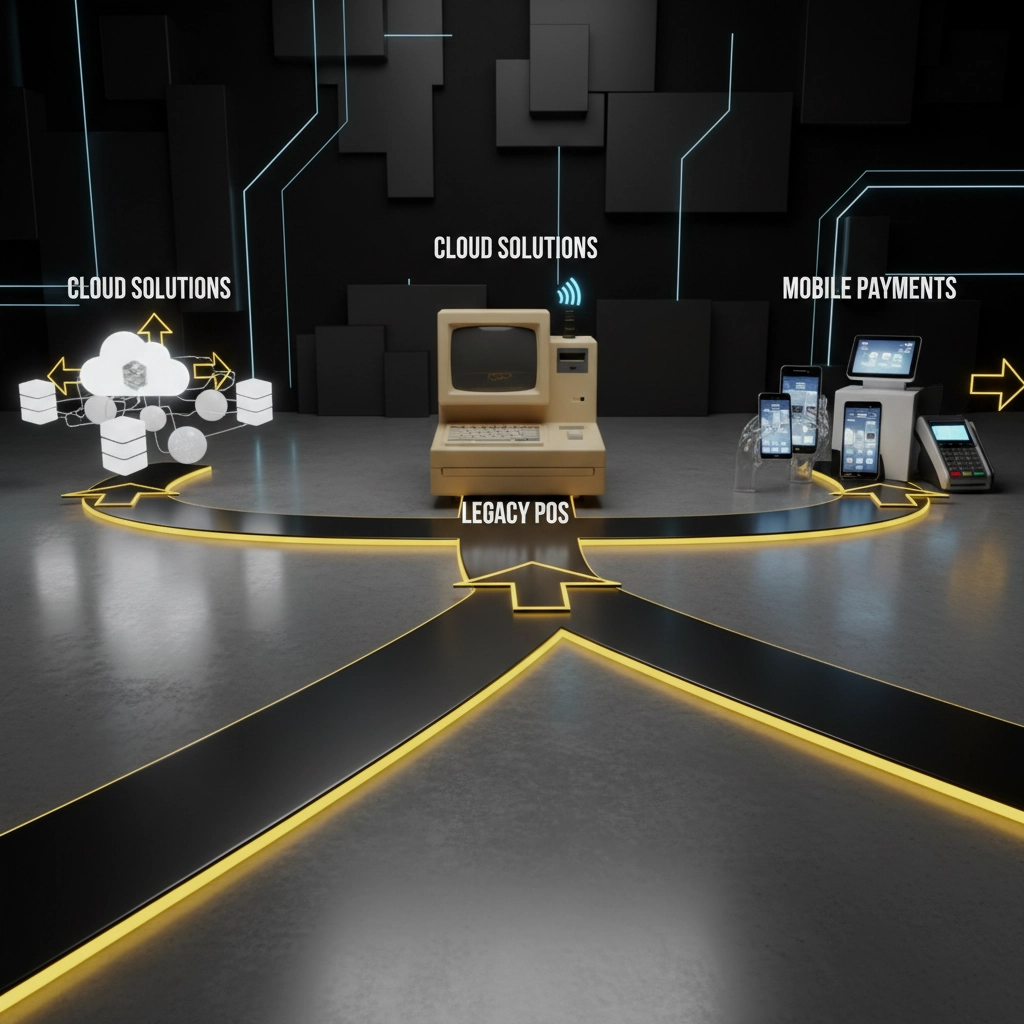
This sounds obvious, but you'd be shocked how many retailers skip regular updates because they're "too busy" or "don't want to break anything." Here's the truth: those updates contain critical security patches, bug fixes, and performance improvements.
Set up automatic updates for non-critical times (like Sunday mornings), or schedule monthly maintenance windows. Yes, it might mean 30 minutes of downtime, but it'll save you from hours of problems later.
Pro tip: Keep a log of what each update fixes. You'll be amazed at how many mysterious problems disappear once you're current on patches.
Adding self-service options is one of the fastest ways to modernize customer experience without replacing your entire POS. Self-checkout kiosks, mobile ordering, and digital menu boards can integrate with most legacy systems through APIs or middleware.
Customers love the convenience, and your staff can focus on complex orders and customer service instead of routine transactions. Plus, self-service systems generate valuable data about customer preferences and buying patterns.
The numbers don't lie: stores with self-service options see 15-20% faster transaction processing and higher customer satisfaction scores.
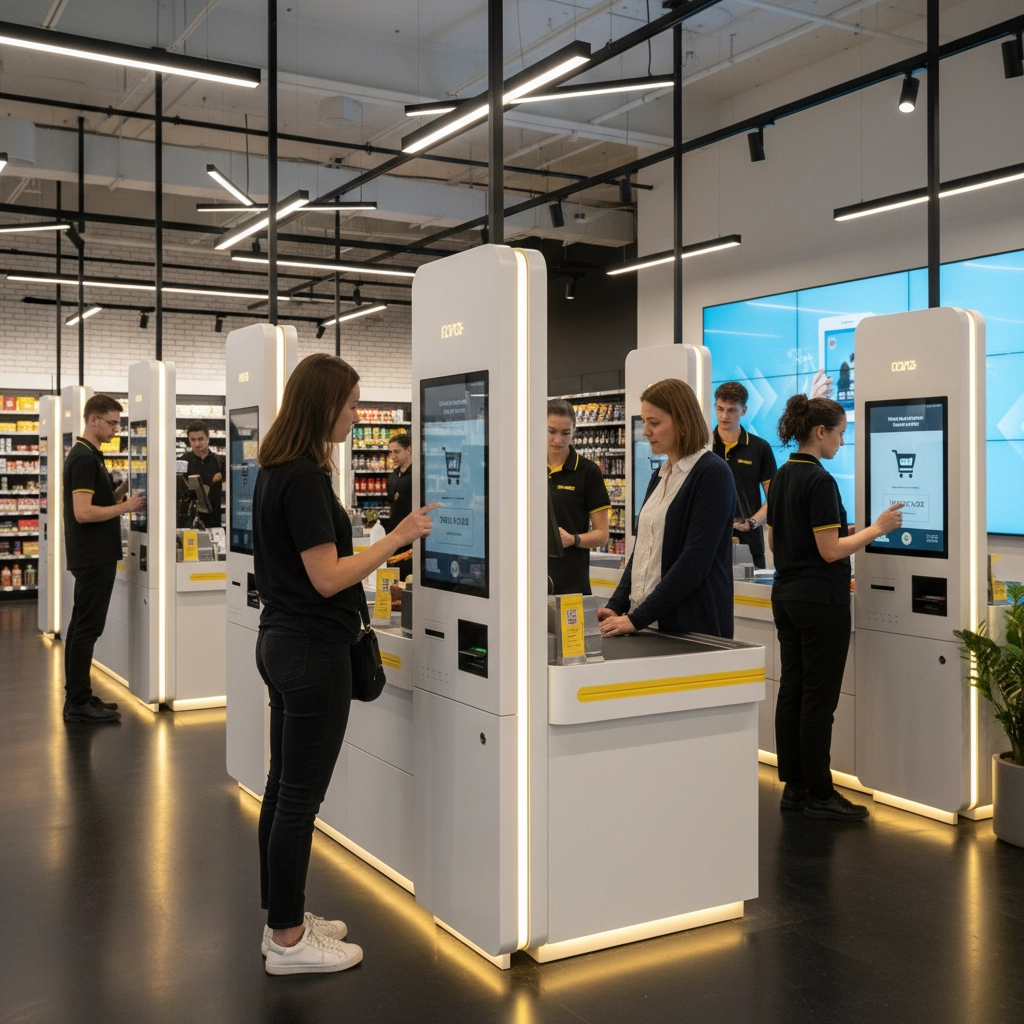
Your POS is only as good as the people using it. Invest in comprehensive staff training that goes beyond "press this button." Teach your team to troubleshoot common issues, understand error messages, and use advanced features that might be hiding in your current system.
Create quick reference cards for complex procedures and establish a buddy system where tech-savvy employees help others. Many legacy POS systems have powerful features that go unused simply because no one knows they exist.
Remember: a well-trained employee on an older system often outperforms a confused worker on brand-new technology.
Your legacy POS doesn't have to do everything: it just needs to work well with systems that do. Instead of replacing everything, consider adding modern capabilities through integrations:
This approach lets you modernize gradually while keeping your core system stable. Each addition improves functionality without disrupting daily operations.
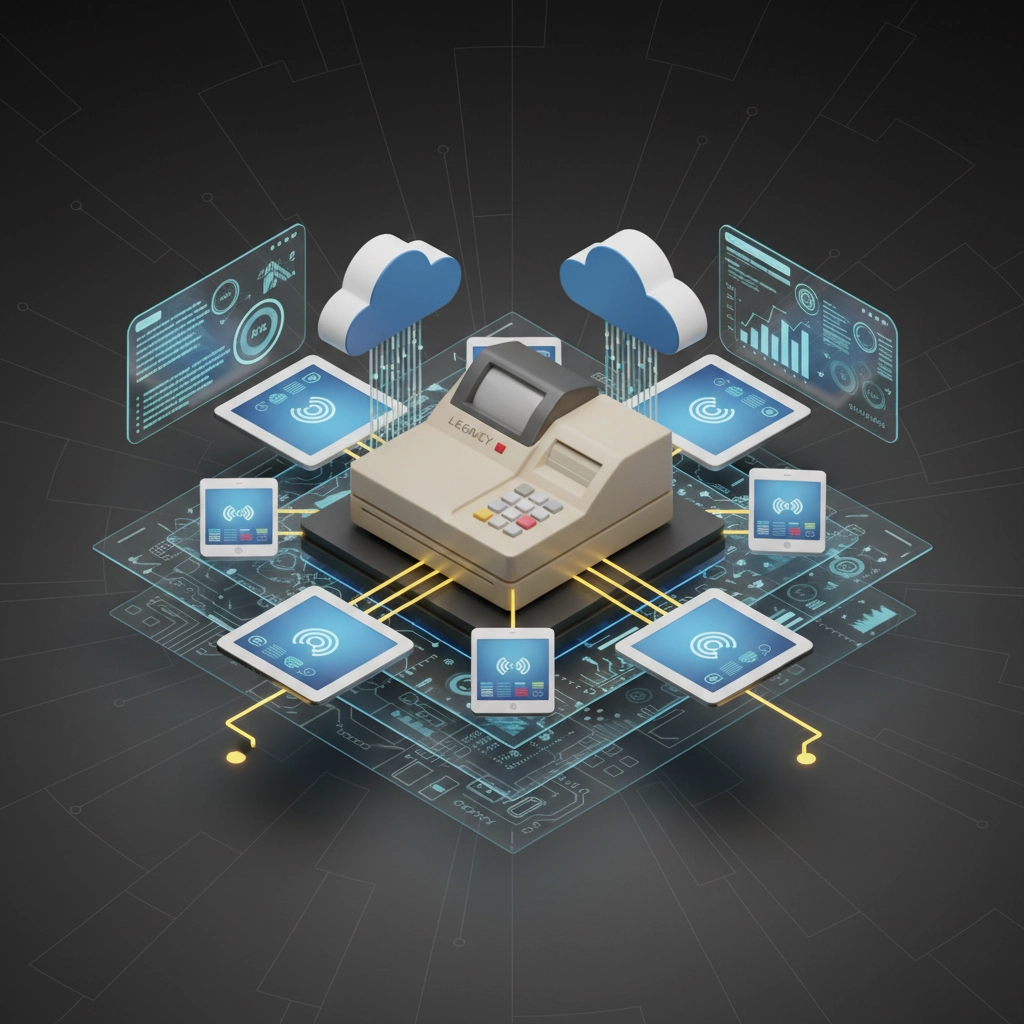
You don't have to figure this out alone. Working with specialists who understand legacy system modernization can save you months of headaches and costly mistakes. Look for partners who:
The right partner will assess your current setup, recommend the most cost-effective improvements, and help you implement changes with minimal disruption. They can also help you avoid common pitfalls like compatibility issues or security vulnerabilities.
Modernization doesn't have to be overwhelming or expensive. These seven hacks prove you can dramatically improve your POS experience with strategic, incremental changes. Start with one or two areas where you'll see immediate benefits, then build momentum from there.
The retailers who succeed aren't necessarily the ones with the newest technology: they're the ones who make smart decisions about when and how to upgrade. Your customers don't care if your POS was installed in 2015 or 2025. They care about fast, smooth transactions and great service.
Ready to stop wasting time on legacy limitations? Pick one hack from this list and implement it this week. Your future self (and your customers) will thank you.
Ready to modernize your POS experience? Discover how BK Touch's innovative retail technology solutions can transform your legacy system into a modern, efficient powerhouse. Visit our website to explore our range of POS systems and self-checkout kiosks designed for today's smart retailers.


