

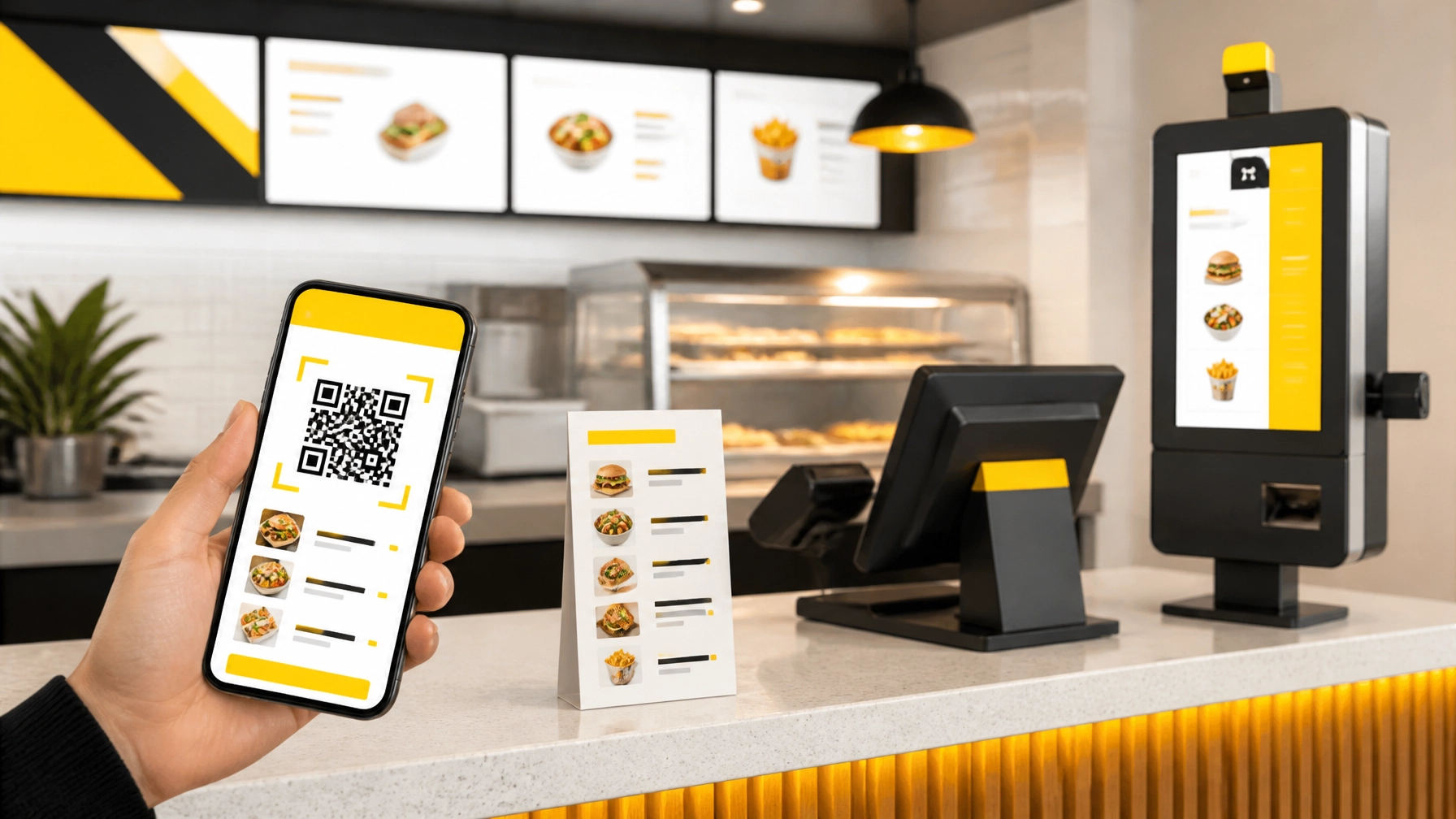


For QSR and fast-casual restaurants, the menu is more than a list of dishes. It’s the first step in the customer journey, a sales tool, an operations resource, and: occasionally: a surprisingly expensive stack of paper.
In 2026, restaurant operators have three main choices:
So, which option delivers the best return?
The short answer is that QR code menus usually win on cost and flexibility, digital menu boards and kiosks can improve speed and upselling, and paper still matters for accessibility and customer comfort. For most QSR and fast-casual businesses, the strongest strategy isn’t choosing one format. It’s creating a thoughtful mix.
Digital-first doesn’t have to mean customer-last.
Paper menus still have advantages. They’re simple, require no Wi-Fi, and don’t ask customers to use their phones before ordering. For some guests, especially older customers or people with accessibility needs, a physical menu is the more comfortable option.
However, paper creates a recurring cost every time your restaurant changes.
A seasonal item, price adjustment, allergen update, or new combo can require:
Industry comparisons published in 2026 place annual paper-menu costs anywhere from several hundred dollars to several thousand dollars per location, depending on menu size, material, update frequency, and the number of tables. A busy restaurant that updates frequently can spend far more than the original printing invoice suggests.
Paper also limits your ability to respond quickly. If a popular item sells out during the dinner rush, the menu still promotes it. Your team then has to deliver the bad news one table at a time.
That’s not a great experience for customers, and it creates extra work for staff.
A QR code menu connects a printed code: usually on a table tent, counter sign, receipt, or tray liner: to a digital menu on the guest’s smartphone.
The QR code itself is inexpensive. The bigger question is what sits behind it.
A basic QR code linking to a PDF may cost very little, but it won’t necessarily provide the best experience. A proper digital menu should be:
Typical QR menu platform costs vary, but many restaurant-focused systems fall around $10 to $60 per month, while more advanced ordering and payment platforms can cost more. Even with a subscription, QR menus are often less expensive than repeated paper reprints.
The biggest advantage is flexibility. Change the digital menu once, and every table, counter sign, or receipt can display the update immediately.
No reprinting. No box of outdated menus in the back office. No menu maintenance panic five minutes before opening.
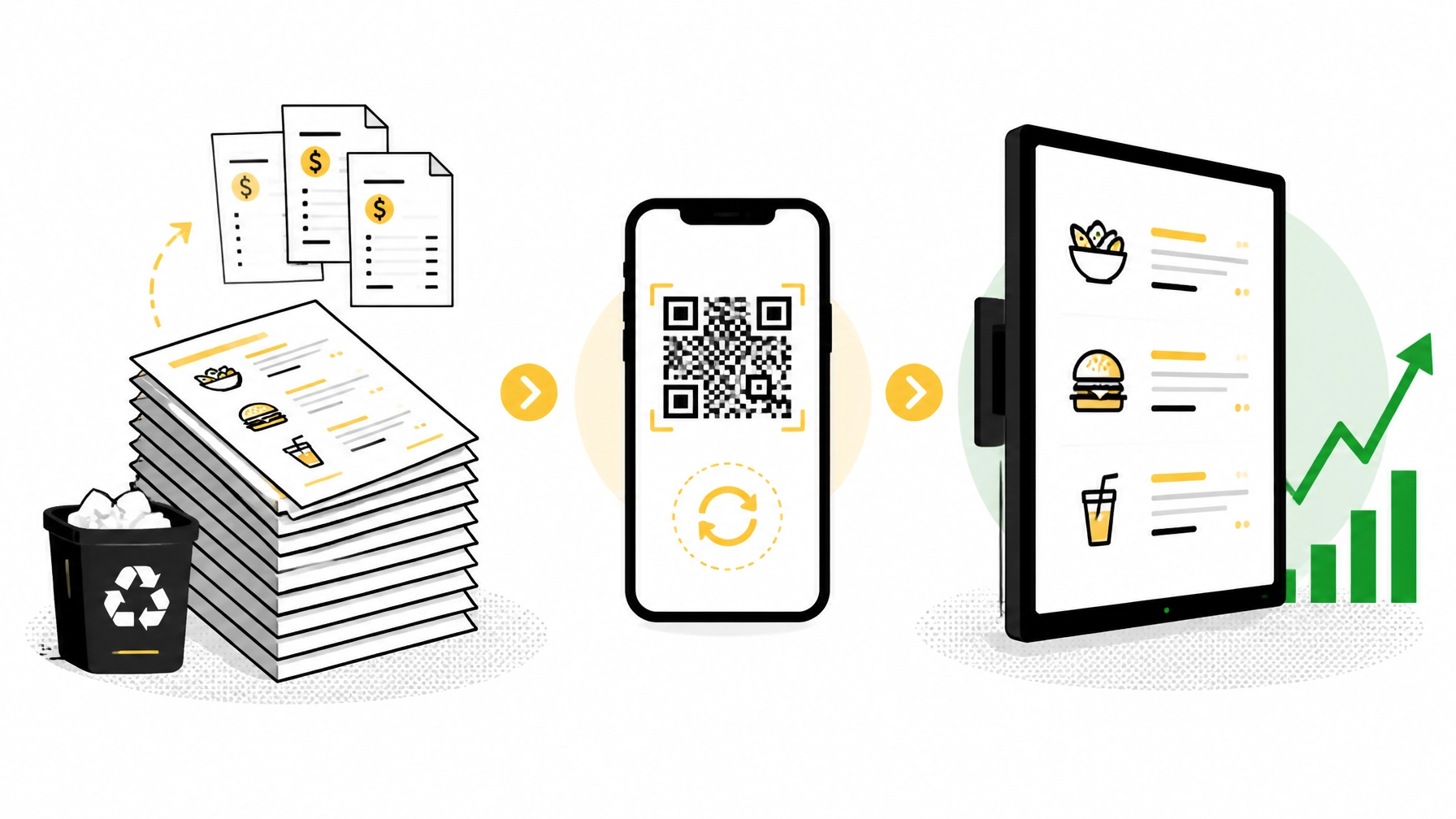
Digital menu boards are different from QR code menus. A QR menu is personal and mobile; a digital board is highly visible and designed for the entire line or dining area.
For QSRs, digital boards can be especially valuable because they help customers make decisions before reaching the register. They can display:
Digital boards generally require a higher upfront investment than QR menus because you’re purchasing screens, mounts, media players, installation, and content-management tools. They may also require ongoing creative support and software fees.
That investment can still make sense when the board improves throughput or increases average order value. A well-designed board can move a promotion into the customer’s line of sight at exactly the right moment.
For fast-casual restaurants, the best setup may include a digital board at the ordering counter, QR menus at tables, and a traditional POS system for staff-assisted orders.
QR menus are now familiar to many customers. Research collected by Menumiz reports strong preference for QR menus among many diners, along with potential improvements in table turnover and printing costs.
Research from Supercode’s 2026 restaurant QR guide also highlights the growing use of QR codes for menus, ordering, payment, loyalty, and customer feedback.
But customer preference isn’t universal.
Some guests prefer QR menus because they can:
Other guests prefer paper because they:
For a QSR, the decision may be straightforward: use digital menu boards and QR codes to keep lines moving, while ensuring staff can help customers who prefer a traditional ordering path.
For a fast-casual restaurant, a QR-first approach with paper menus available on request often creates the best balance.
The most obvious QR menu benefit is lower printing cost. But the larger opportunity is improving the full ordering process.
A digital menu connected to your POS can help restaurants:
A QR menu by itself won’t magically increase sales. The results depend on the quality of the menu, the ordering flow, the POS integration, and how well the experience is introduced to customers.
A blurry PDF with tiny text is not digital transformation. It’s paper wearing a QR code costume.
The real value comes from a mobile-friendly menu that makes ordering easier and helps customers discover relevant extras. A burger combo can suggest a drink. A coffee order can suggest a pastry. A family meal can offer an easy upgrade.
These small prompts can improve average order value without putting pressure on staff or customers.
Self-service kiosks can take the digital experience one step further. Instead of asking customers to use their own device, a kiosk provides a dedicated touchscreen in the restaurant.
Kiosks can be particularly useful for:
A kiosk should work alongside: not against: your existing POS and kitchen workflow. The goal is to create one accurate flow from menu selection to payment to fulfillment.
BK Touch provides retail technology hardware for modern operations, including self-service kiosks and POS hardware. Its KDS215 kitchen display system can also support clearer communication between the front of house and kitchen, helping teams manage digital and staff-assisted orders more efficiently.
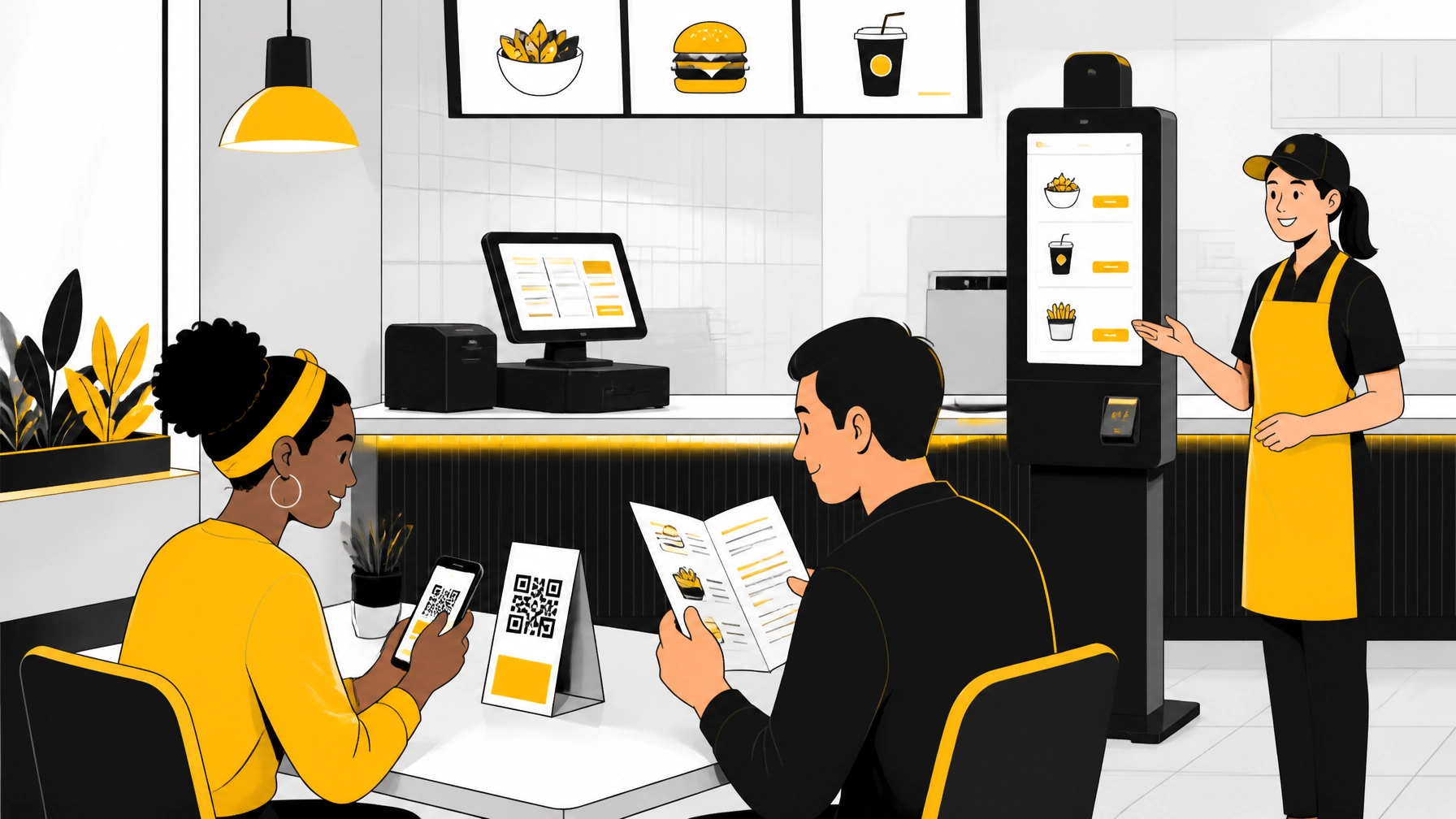
For most QSR and fast-casual restaurants, we recommend a practical hybrid model:
This approach gives customers options without forcing every guest into the same journey.
It also gives operators more flexibility. Your digital channels can handle frequent updates, while paper menus can focus on core products and remain useful as a backup.
Before and after making changes, track a few practical metrics:
The right technology should make those numbers easier to understand and improve.
QR code menus are usually the most cost-effective option for frequent updates, digital ordering, and detailed product information. Digital menu boards and kiosks can deliver stronger visibility, faster service, and better upselling for QSR and fast-casual environments. Paper menus remain valuable when customers need familiarity, accessibility, or a reliable offline option.
In 2026, the winning restaurant won’t simply replace paper with a QR code. It’ll connect the right menu format to the right customer moment.
QR-first. Customer-ready. Built to grow.
Ready to modernize your restaurant’s ordering flow? Explore BK Touch retail technology, review our digital signage solutions, or contact BK Touch to discuss kiosks, POS integration, and hardware built around your operation.


