

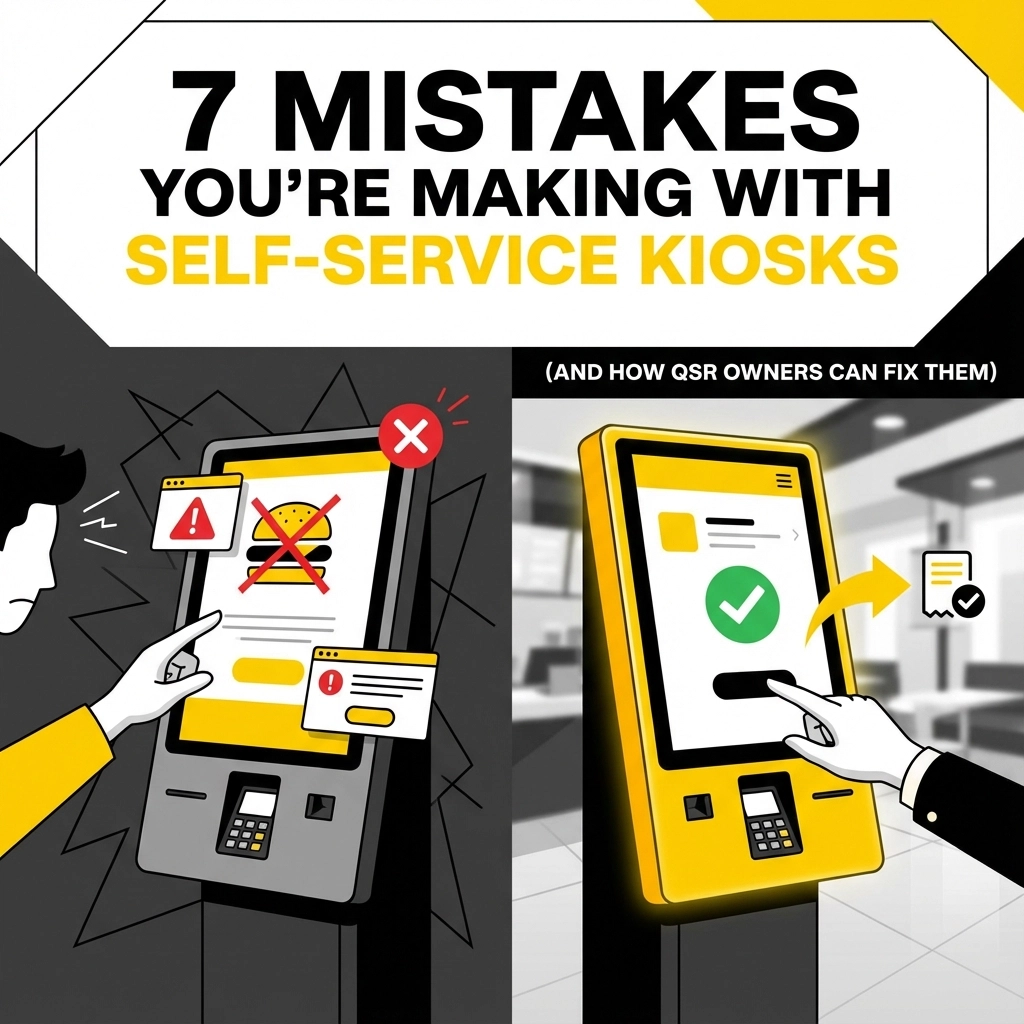


So you've jumped on the self-service kiosk bandwagon: smart move! Your customers are ordering faster, your staff is less stressed during rush hour, and you're probably seeing some nice upselling numbers. But here's the thing: even the smartest QSR owners are making some pretty costly mistakes with their kiosks.
Don't worry, we're not here to judge. We're here to help you fix these issues before they start eating into your profits or frustrating your customers. Let's dive into the seven most common kiosk mistakes we see: and more importantly, how to solve them.
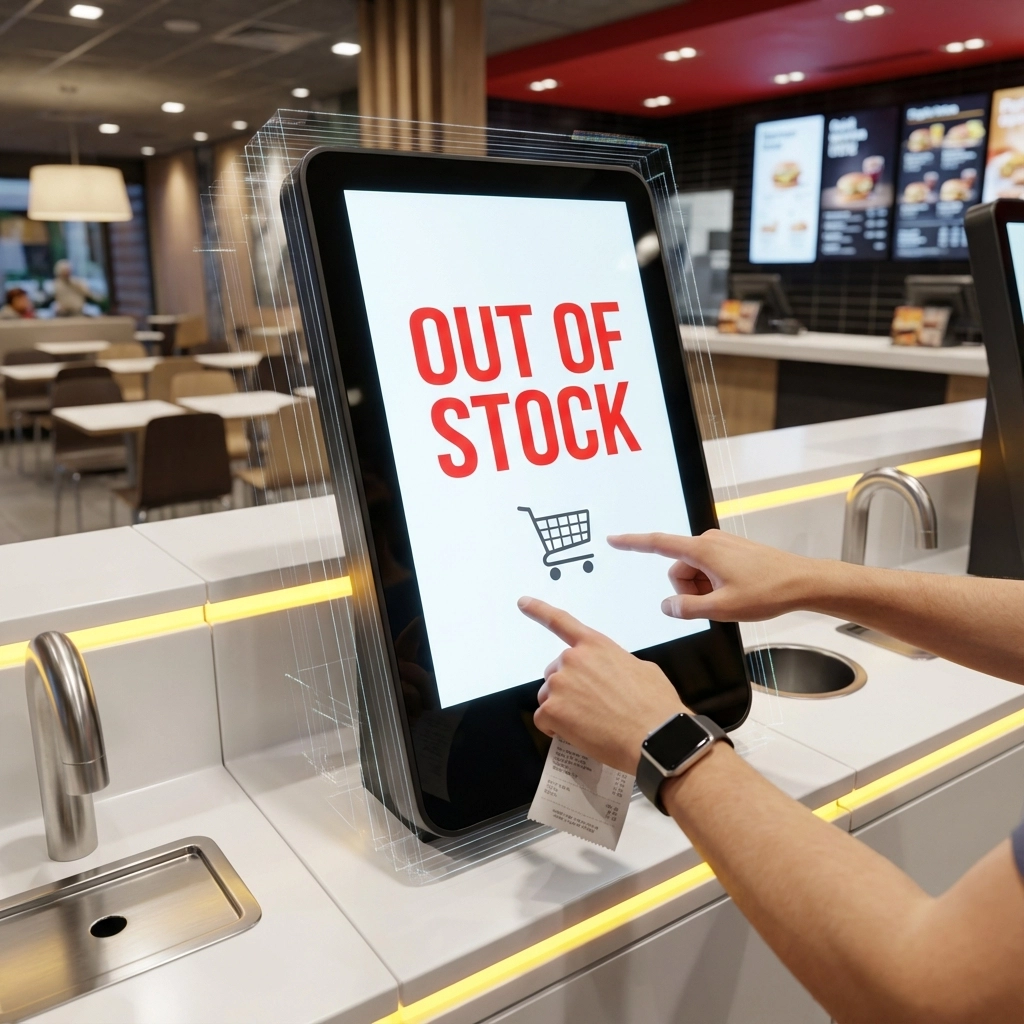
Picture this: a customer spends five minutes customizing their perfect burger order on your shiny new kiosk, only to be told at pickup that you're out of the special sauce they specifically added. Awkward, right?
This happens when your kiosk isn't properly synced with your actual inventory. Your digital menu is promising items you don't have, creating frustrated customers and forcing your staff to play the role of bearer of bad news.
The Fix: Set up real-time inventory integration between your kiosk and POS system. Train your team to update inventory levels throughout the day: especially for popular items that tend to run out. Create a simple checklist for shift managers to verify that digital availability matches actual stock levels at least twice during busy periods.
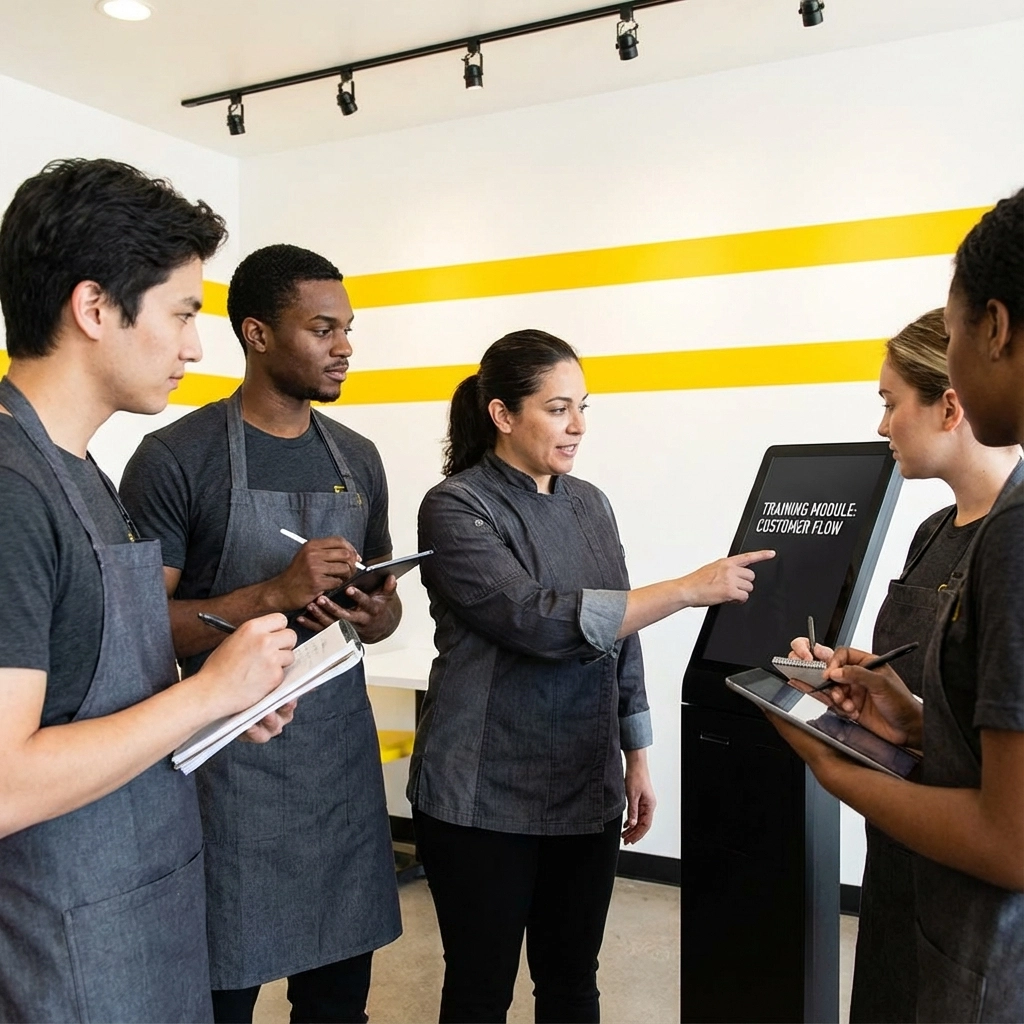
Remember when you first learned to drive? You didn't just hop in and start cruising the highway. But somehow, many QSR owners install kiosks and expect their teams to seamlessly adapt without proper training.
When staff don't understand the new workflow, everything becomes chaotic. Orders get confused, customers get impatient, and your efficiency gains disappear faster than free samples at Costco.
The Fix: Invest in comprehensive training before your kiosks go live. Create clear protocols for how staff should assist customers, handle kiosk issues, and manage the hybrid workflow. Role-play different scenarios during training sessions. Most importantly, designate "kiosk champions" on each shift: team members who become your go-to experts for troubleshooting and customer assistance.
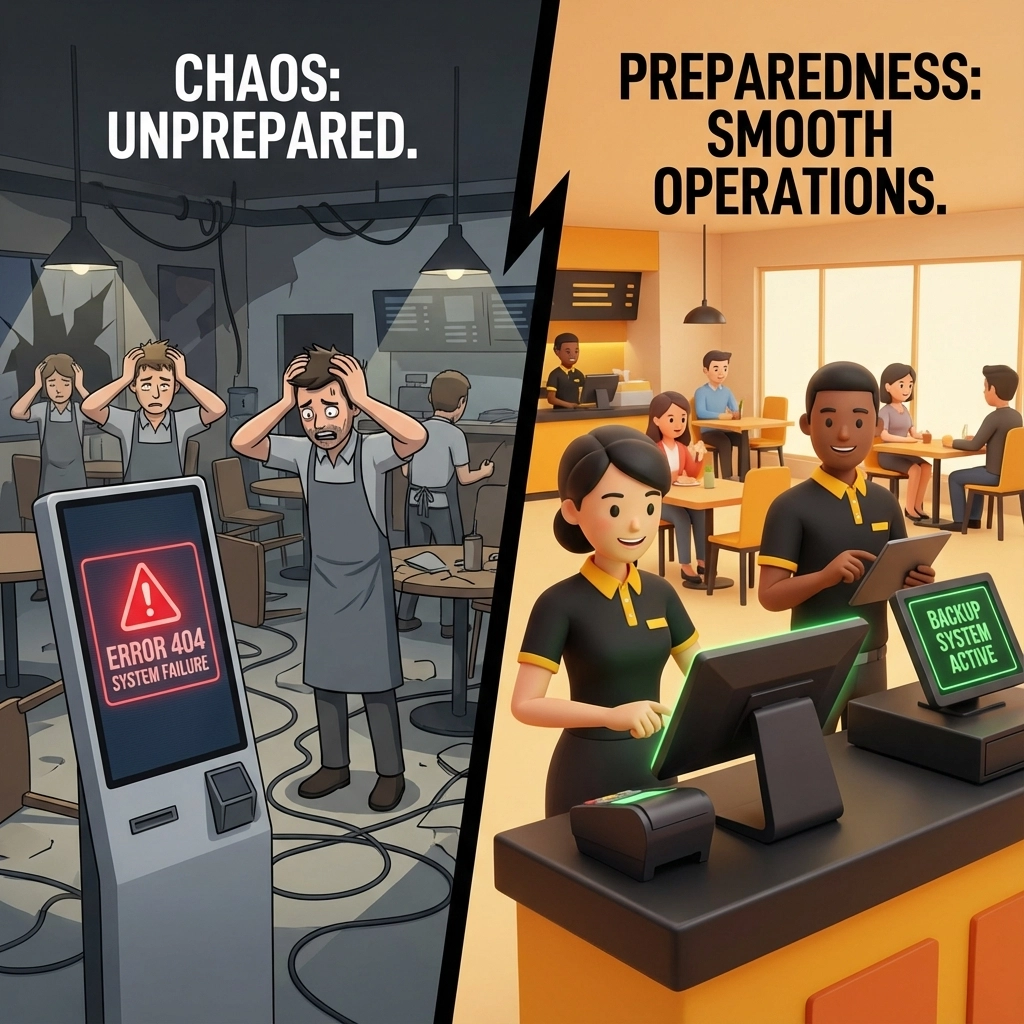
Technology fails. It's not a matter of if, but when. If your entire ordering system depends on kiosks working perfectly 24/7, you're setting yourself up for disaster.
We've seen restaurants completely shut down ordering during peak lunch rush because their kiosks went offline and no one knew how to process orders manually anymore.
The Fix: Maintain backup systems and procedures. Keep your old POS terminals functional and train staff to use them. Create emergency protocols that your team can implement within minutes of a system failure. Consider having a dedicated phone line or simple order forms as additional backups. The goal is to never lose a sale because of technical difficulties.
Here's a painful truth: your kiosks are probably the best salespeople you've never fully utilized. Unlike human staff who might forget to suggest upgrades during busy periods, kiosks can consistently recommend upsells, combos, and add-ons to every single customer.
Many QSR owners install kiosks for order accuracy but completely miss the revenue goldmine sitting right there in their programming.
The Fix: Strategically configure your kiosks to suggest relevant upgrades at key decision points. When someone orders a burger, prompt them about fries and drinks. If they're getting a small drink, suggest upgrading to large for just 50 cents more. Analyze your sales data to identify which upsells work best and optimize accordingly. Some of our clients see 15-20% increases in average order value just from smart upselling prompts.
If your customer base includes non-native English speakers and your kiosks only operate in English, you're creating unnecessary barriers. Frustrated customers often abandon their orders rather than struggle through a confusing interface.
This isn't just about being inclusive (though that matters): it's about capturing every possible sale.
The Fix: Configure your kiosks with multilingual support. Focus on the languages most common in your area. Test the translations with native speakers to ensure they're accurate and natural-sounding. Consider adding visual elements or icons that transcend language barriers. Remember, a customer who can order comfortably is a customer who's likely to return.
Some QSR owners go overboard with automation, removing all human interaction from the ordering process. While efficiency is great, completely eliminating the human touch can backfire, especially when customers have questions or need recommendations.
This is particularly problematic for locations that previously built their reputation on friendly service or helpful staff suggestions.
The Fix: Implement a hybrid approach. Position kiosks strategically but ensure staff remains visible and available for assistance. Train your team to proactively help customers who seem confused or hesitant. Consider having "floating" staff members whose primary role is to assist with kiosks and answer questions. The goal is to offer the speed of self-service with the support of human interaction when needed.
Your kiosks generate incredibly valuable data about customer preferences, ordering patterns, peak times, and popular customizations. Yet many QSR owners never look at this information, missing opportunities to optimize their operations and menu offerings.
It's like having a crystal ball for your business and keeping it locked in a closet.
The Fix: Schedule regular data review sessions. Analyze which menu items are most popular, what customizations customers request most often, and which upselling prompts generate the best results. Use this intelligence to optimize your menu layout, adjust staffing levels during peak times, and create targeted promotions. Some of our smartest clients use kiosk data to predict demand and adjust prep schedules accordingly.
The bottom line? Self-service kiosks aren't a "set it and forget it" solution. They're powerful tools that require ongoing attention, strategic thinking, and continuous optimization to deliver their full potential.
When implemented correctly, kiosks don't just speed up ordering: they increase average order values, provide valuable customer insights, and free up your staff to focus on food quality and customer experience. But only if you avoid these common pitfalls.
The most successful QSR owners we work with treat their kiosks as an integral part of their operation, not just a fancy add-on. They train their teams properly, maintain backup systems, leverage upselling opportunities, and continuously optimize based on data.
At BK Touch, we've helped hundreds of QSR owners avoid these costly mistakes and maximize their kiosk investment. Our retail technology solutions are designed to integrate seamlessly with your existing operations while providing the reliability and features you need to succeed.
Want to learn how our kiosk solutions can help your QSR avoid these pitfalls and boost profits? Contact our team today for a personalized consultation. We'll show you exactly how to implement kiosks the right way: with proper training, backup systems, and optimization strategies that actually drive results.
Don't let these common mistakes cost you customers and revenue. Let's build a kiosk system that works as hard as you do.


