



Let's be real, self-service kiosks can be a game-changer for your business, or they can become the most expensive paperweights you've ever bought. We've seen too many small and medium businesses jump into the kiosk world with high hopes, only to watch their investment collect dust while customers walk past like it's invisible.
Here's the thing: kiosks aren't just about buying the shiniest tech and calling it a day. There's actually some strategy involved (who knew, right?). Whether you're running a QSR, convenience store, grocery shop, or retail space, avoiding these seven common mistakes can make the difference between a kiosk that pays for itself and one that becomes a very expensive decoration.
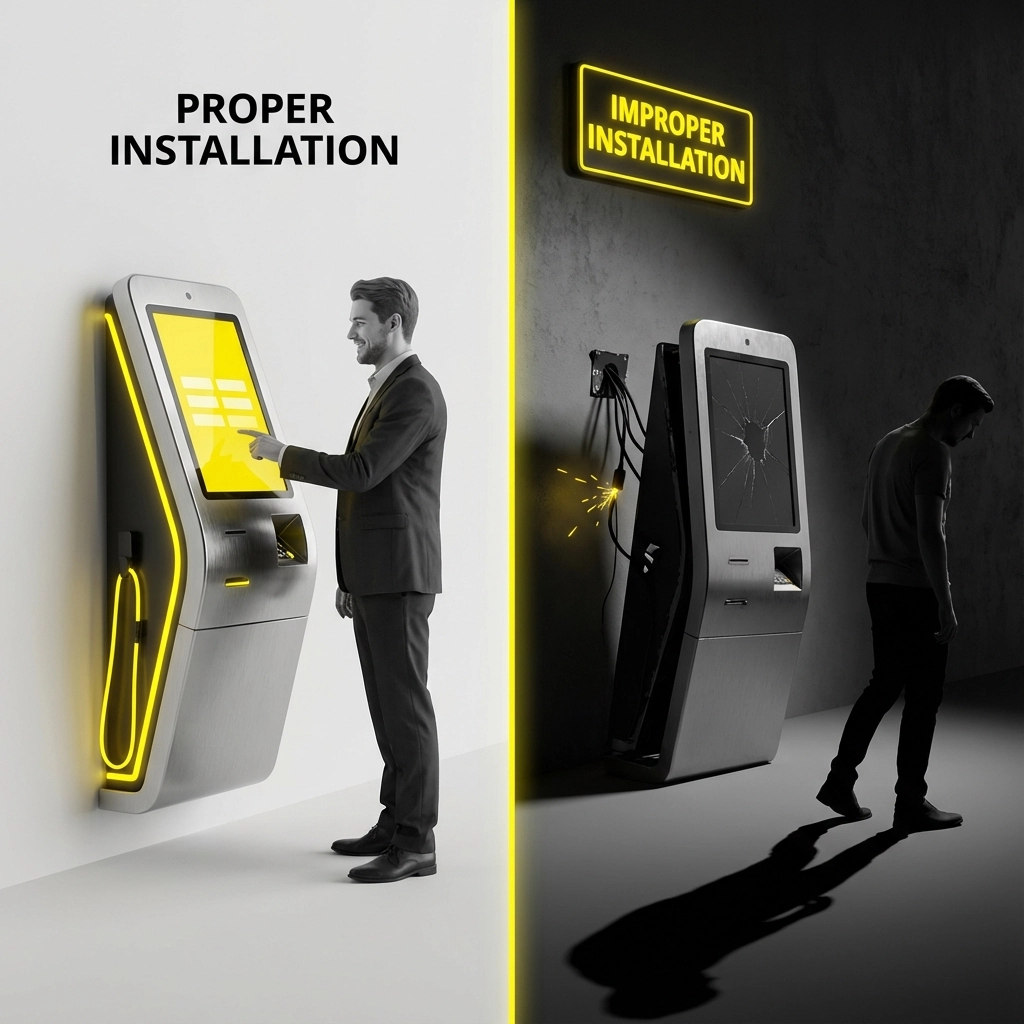
The Mistake: Too many merchants treat kiosk installation like they're mounting a flat-screen TV. They buy the hardware, find a spot, plug it in, and wonder why it's not working like the demo they saw.
Why This Hurts: Poor installation leads to wonky functionality, frustrated customers, and a self-service experience that's anything but smooth. When your kiosk freezes every third transaction, word spreads fast.
The Fix: Take installation seriously. Whether you're working with BK Touch hardware or another provider, allocate proper time and resources for setup. Work with experienced installers who understand the technical requirements and can troubleshoot issues before they become customer problems. Think of it as the foundation of your entire self-service experience, get this wrong, and everything else falls apart.
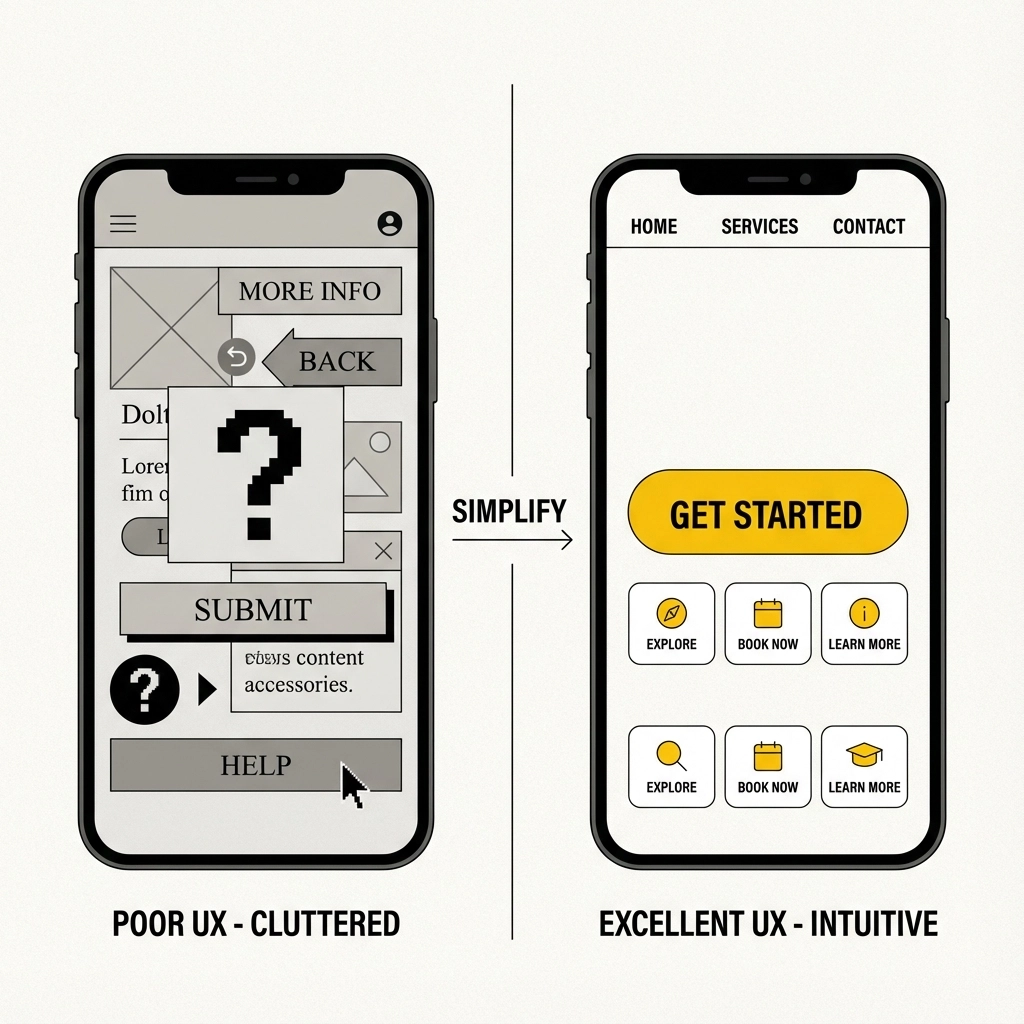
The Mistake: Assuming that flashy hardware equals good user experience. Some businesses focus so much on getting sleek-looking kiosks that they completely overlook whether customers can actually use them without pulling their hair out.
Why This Hurts: Here's a brutal stat for you, 50% of customers will abandon their checkout if it takes more than 30 seconds. If your interface is confusing, slow, or requires a computer science degree to navigate, you're literally watching money walk out the door.
The Fix: Invest in intuitive UI design that your grandma could use. Keep navigation simple, minimize required fields, and provide real-time order summaries so customers know exactly what they're buying. When errors happen (and they will), make sure your error messages actually tell people what went wrong and how to fix it. Nobody wants to see "Error 404" when they're just trying to buy lunch.
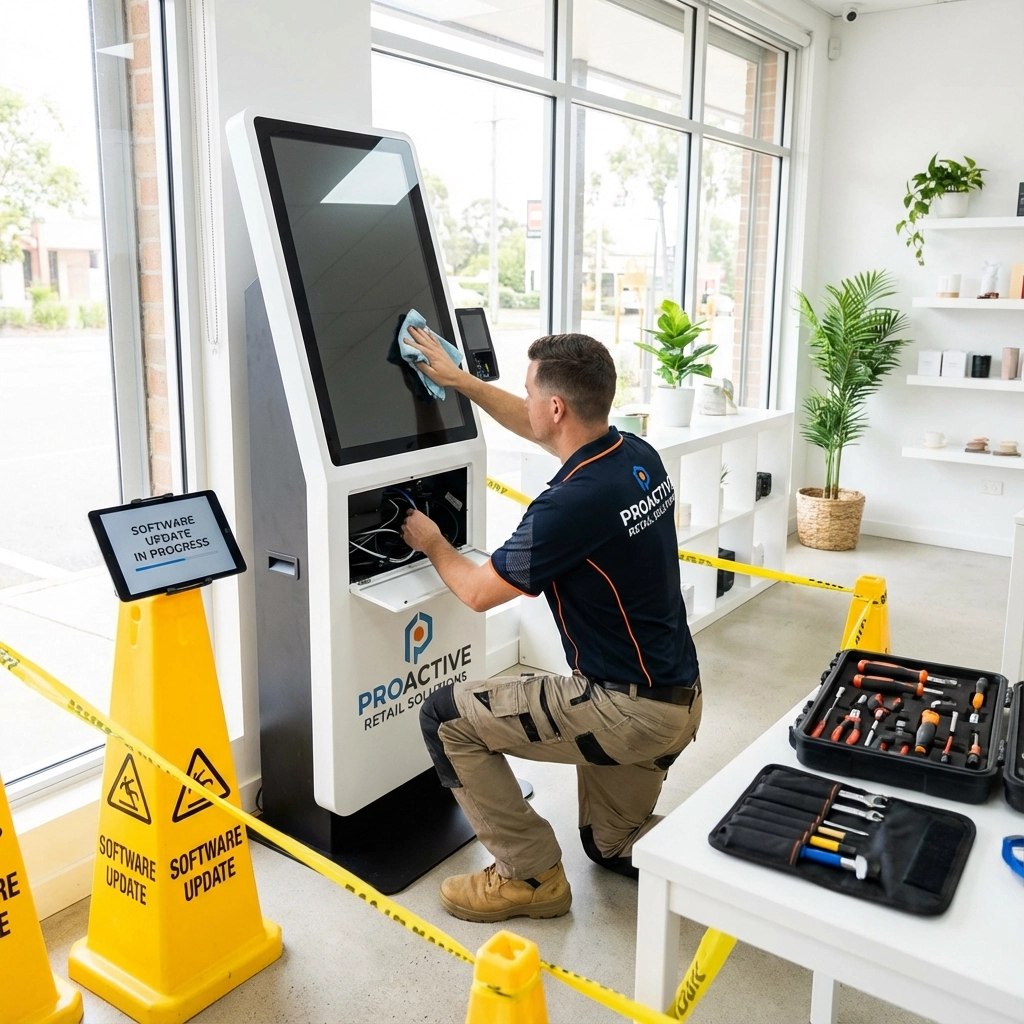
The Mistake: Setting up kiosks and then forgetting they exist until something breaks. Many SMBs don't realize that self-service tech needs regular TLC to keep running smoothly.
Why This Hurts: Nothing kills customer confidence like frozen screens, paper jams, faulty card readers, or touch displays that respond about as well as a brick wall. These issues don't just cause delays, they make your business look unprofessional and unreliable.
The Fix: Create a maintenance schedule and stick to it. Check printers regularly for jams and worn rollers, verify all cable connections, and keep software updated. Monitor your kiosks actively instead of waiting for customers to tell you something's broken. Trust us, prevention is way cheaper than dealing with frustrated customers and lost sales.
The Mistake: Choosing kiosks without thinking about all the peripherals that make the magic happen, receipt printers, card readers, barcode scanners, secondary displays, and payment terminals. It's like buying a car and forgetting you need tires.
Why This Hurts: When customers can't get receipts, track their orders, or pay the way they want to, your "convenient" self-service becomes a frustrating obstacle course. Different businesses need different peripherals, and overlooking this creates gaps in the customer experience.
The Fix: Map out your entire use case before you buy anything. Do customers need printed receipts? What about cash, card, and contactless payment options? Loyalty program integration? Secondary displays for promotions? Work with providers who can integrate all necessary peripherals seamlessly, BK Touch hardware, for example, offers flexible configurations that adapt to different merchant needs rather than forcing you into a one-size-fits-all solution.
The Mistake: Installing kiosks in dim corners, choosing designs that look like they're from 1995, or placing them in spots where customers feel uncomfortable using them.
Why This Hurts: If your kiosk looks uninviting or is positioned in a creepy location, people will avoid it entirely. First impressions matter, and a kiosk that looks sketchy or outdated sends the wrong message about your business.
The Fix: Choose aesthetically appealing designs that match your brand, and position kiosks in well-lit, welcoming areas where customers feel comfortable. Make sure there's enough space around the kiosk for people to use it without feeling crowded or rushed. Remember, you want to attract customers to self-service, not scare them away from it.
The Mistake: Choosing all-in-one turnkey solutions that lock you into one vendor's ecosystem. It seems easier upfront, but it's like signing a lease that you can never get out of.
Why This Hurts: When you're locked into a single vendor's hardware and software, you lose flexibility as your business evolves. Want to add new features? Sorry, your vendor has to approve it. Want to integrate with different systems? Good luck. Your business growth becomes dependent on someone else's priorities.
The Fix: Work with providers who offer customization and flexibility. Look for solutions that give you options rather than constraints. Consider a hybrid approach that allows you to adapt and evolve without being stuck with the same system forever. The best kiosk solutions grow with your business, not against it.
The Mistake: Focusing on functionality while ignoring security vulnerabilities and theft prevention. Some businesses assume that self-service automatically means hands-off, leaving kiosks completely unmonitored.
Why This Hurts: Kiosks handle sensitive customer data like credit card information, making them attractive targets for cybercriminals. Additionally, completely unmonitored self-checkout areas can become hotspots for theft, which eats into your profits faster than you might realize.
The Fix: Ensure your kiosks meet industry security standards and comply with data protection regulations. Maintain some level of employee presence in self-service areas: not to hover over customers, but to assist when needed and deter suspicious activity. Good security doesn't have to kill the convenience factor; it just requires thoughtful planning.
Here's the truth: kiosks can absolutely transform your business when implemented correctly. They can reduce labor costs, increase order accuracy, improve customer satisfaction, and even boost average transaction sizes. But only if you avoid these common pitfalls.
The key is treating kiosk implementation as a strategic business decision, not just a tech purchase. Take time to plan properly, choose flexible solutions that grow with your business, and maintain them like the valuable business assets they are.
Ready to explore self-service solutions that actually work for your business? Contact BK Touch to discuss kiosk options designed with merchant flexibility and customer experience in mind. Because the right technology should make your life easier, not more complicated.
Bolder > Boundless > Better > Kiosk.


